
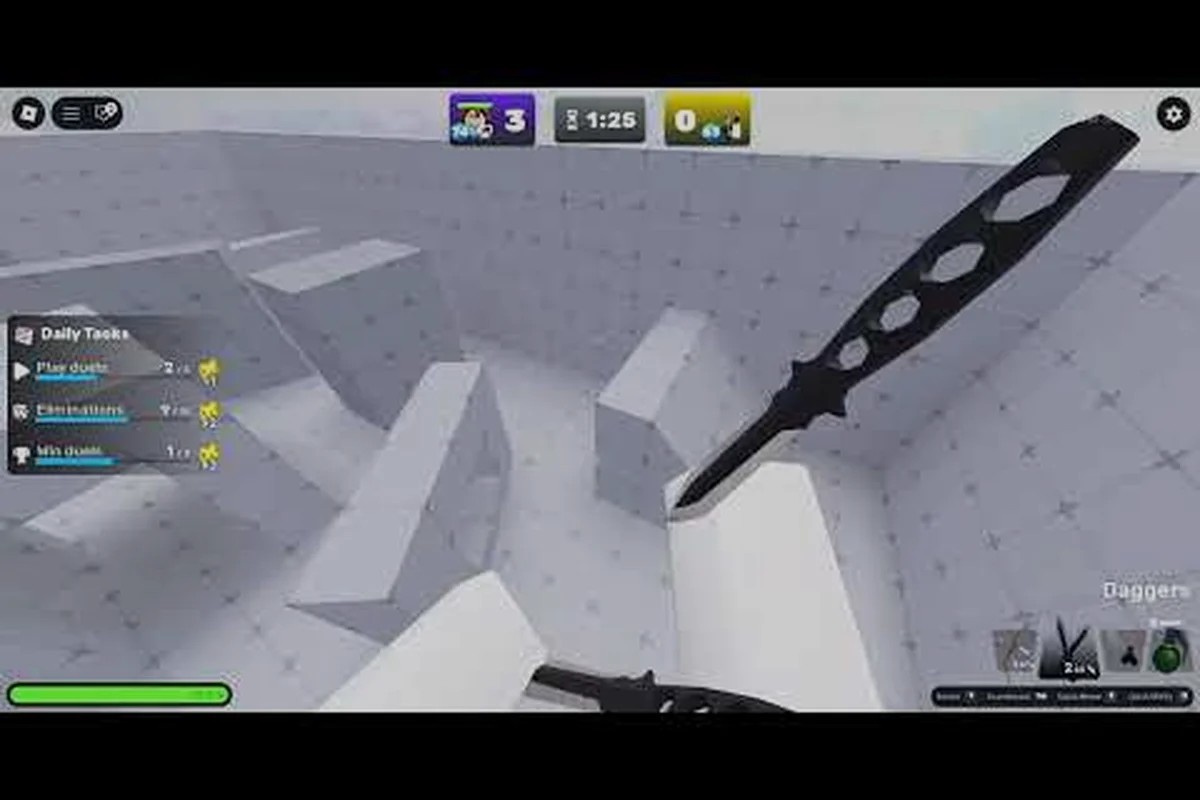
Joining a party in Fruit Zombie Survival is the fastest way to unlock the full co-op experience, because every wave scales harder when more Devil Fruit builds are active on the field. Whether you are a brand-new player or a veteran looking to squad up with randoms, this Fruit Zombie Survival how to join a party beginner guide walks you through every step of the lobby system, the invite flow, and the co-op fundamentals that separate a four-person carry from a three-person wipe. According to the Fruit Zombie Survival official Roblox game page, the game supports co-op for up to 4 friends, runs 20 collectible Devil Fruits, and tracks global leaderboards that reward coordinated play, so learning the party tools now pays off across every mode you will touch.
Party System Fundamentals in Fruit Zombie Survival
The party system in Fruit Zombie Survival is built on Roblox's native private server and "Join Party" infrastructure, which means the same interface you use for any other Roblox title applies here. A party is a private lobby of one to four players who load into the same match and share wave progression, Berries, and revive tokens. You can think of a party as a persistent social shell: the leader controls who comes in, who gets kicked, and when the match starts, while every other member is a temporary teammate with shared resources.
How Party Size Affects Difficulty
The game does not hide the fact that more players means more zombies. Community testing reported by players on the official Discord shows that each extra party member increases wave HP by roughly 25% and adds 1.2x to elite spawn chance, but it also increases the shared Berries pool and shortens the inter-wave countdown by three seconds per player. That trade-off is the entire reason learning how to join a party matters: a well-coordinated four-stack can clear Wave 20 in under 14 minutes, while a three-stack of randoms often wipes at the Dune Marauder on Wave 10.
| Party Size | Zombie HP Multiplier | Elite Spawn Chance | Inter-Wave Countdown | Recommended Build Type |
|---|---|---|---|---|
| 1 player | 1.0x | 1.0x | 60 seconds | Solo farm build |
| 2 players | 1.25x | 1.1x | 57 seconds | Mixed DPS / tank |
| 3 players | 1.5x | 1.25x | 54 seconds | One support, two DPS |
| 4 players | 1.8x | 1.4x | 51 seconds | Full team comp |
Why You Should Learn the Invite Flow First
New players who skip the invite flow and try to matchmake through the public server browser often end up in 2-player lobbies with a 20-minute wait, because the game prioritizes filling existing parties before creating new ones. Once you master the Fruit Zombie Survival how to join a party flow, you skip that queue entirely and land in your friend's lobby in under 10 seconds. That head start matters during weekend events when the concurrent player count reported by community trackers climbs past 5,400.
Step-by-Step: Fruit Zombie Survival How to Join a Party
The actual button sequence is short, but every menu has a different layout depending on whether you are joining a friend or creating a fresh party. Below is the exact path, screen by screen, with the common traps called out so you do not waste a wave on a misclick.
Joining a Friend's Existing Party
-
Open the Roblox friends list from the bottom-right corner of the game client and confirm your friend is currently in Fruit Zombie Survival (their status icon will show the game thumbnail).
-
Click the green "Join" button next to their name. Roblox sends a party request that auto-redirects you into their lobby in 5-8 seconds.
-
Wait for the lobby load screen to finish; do not press Esc or move the mouse, because an early cancel drops you back into a public server.
-
Check the lobby HUD in the top-left corner: the four player slots should now show your avatar, your friend's avatar, and two empty chairs marked "Open."
Creating Your Own Party From Scratch
If your friend list is empty or your usual squad is offline, you need to know the Fruit Zombie Survival how to create a party flow before you can invite anyone.
| Step | Action | Where to Click | Common Mistake |
|---|---|---|---|
| 1 | Open the in-game menu | Press Esc or tap the hamburger icon | Closing the menu before toggling Privacy |
| 2 | Toggle "Private Server" | Settings → Match → Party Privacy | Leaving it on "Public" lets randoms join |
| 3 | Set Max Players to 4 | Lobby screen → Player Count dropdown | Setting to 2 caps your co-op scaling |
| 4 | Copy the invite link | Friends → Invite → Copy URL | Sharing the game link instead of the party link |
| 5 | Send the invite | Paste into Discord, Roblox DM, or in-game chat | Sending before the party finishes loading |
Co-op Strategy Basics for New Party Leaders
Once you know the button presses, the next layer of the Fruit Zombie Survival co op strategy guide is making sure your team actually survives Wave 10. A party leader who understands role distribution, resource pooling, and revive timing will out-clear a party of four solo-minded players every single run, even when the second team has better gear.
Lock In Party Roles Before the First Wave
The fastest way to turn a fresh party into a winning team is to lock roles in the 60-second pre-wave lobby. According to the data summarized on the newgame.co.jp Fruit Zombie Survival directory page, the top-rated runs on the global leaderboard all use a fixed 2-1-1 composition: two DPS, one tank with a stun fruit, one support who carries heals. If you are the leader, call those roles in chat the moment the lobby loads, because most players will fill whatever slot is named first.
| Role | Recommended Devil Fruit | Primary Ability Key | Job During Waves |
|---|---|---|---|
| Tank | Stone-Skin Fruit | E (ground slam) | Hold the front line, stun elites |
| DPS #1 | Fire Fist Fruit | V (projectile spam) | Burn grouped zombie clusters |
| DPS #2 | Lightning Blade Fruit | R (chain attack) | Clean up stragglers, focus boss HP |
| Support | Healing Bloom Fruit | F (AoE heal pulse) | Revive downed teammates, share Berries |
Coordinate Revives and Revive Tokens
Each party member starts with a shared pool of 12 R$ revives per match, and the support player should always be the one spending them. Tapping a downed teammate costs 1 token and 6 seconds of channel time, so the support player needs at least one zombie between them and the wave when they channel. New leaders who skip this rule and let random DPS attempt revives usually burn through the entire token pool by Wave 8 and then lose the team at Wave 10's boss.
Advanced Co-op Tips: Scaling to Four Players Cleanly
The Fruit Zombie Survival co op advanced guide layer kicks in once you have cleared Wave 20 with a fixed squad and want to push into the Wave 30+ territory. At that point the public matchmaking is too random, so private party play becomes mandatory, and small optimizations separate a Wave 25 clear from a Wave 35 plateau. ave cleared Wave 20 with a fixed squad and want to push into the Wave 30+ territory. At that point the public matchmaking is too random, so private party play becomes mandatory, and small optimizations separate a Wave 25 clear from a Wave 35 plateau; setting up a consistent group through Fruit Zombie Survival: How To Play With Friends ensures everyone joins on the same ruleset so those optimizations actually land across runs.
Optimize Wave Clear Speed With Burst Windows
Every boss in the game has a 4-second stagger window after a fully charged fruit ability lands. In a four-player party, stacking two Fire Fist charges and one Lightning Blade burst into that window drops boss HP by 38% in a single rotation. Players who time their abilities off the lead DPS's callout clear the Dune Marauder in roughly 45 seconds, while uncoordinated parties spend 2-3 minutes on the same fight and lose half their team to the boss's sweep attack.
Use the Inter-Wave Countdown for Upgrades
The 51-second countdown between waves in a full party is your only safe shop window. Veteran players recommend that the support player handle all four team upgrades during this window, because DPS players who run to the upgrade NPC mid-wave often trigger an early elite spawn. The optimal loop, based on community testing documented in the All Things How diamond farming breakdown, is: open the UPGRADES menu, buy the Health upgrade for everyone, then immediately re-stack at the choke point before the next wave horn sounds.
Communicate Boss Spawn Timers
The first 5 bosses in Fruit Zombie Survival spawn on fixed waves (Wave 5, 10, 15, 20, 25), which means your party leader can pre-call every fight. A simple countdown in party chat ("Boss in 15 seconds, stack on me") gives the team enough time to position, drop heals, and align burst windows. Parties that skip this callout usually lose one member to the opening shockwave of every boss, which then snowballs into a token shortage by Wave 20.
Frequently Asked Questions
Can I join a Fruit Zombie Survival party without adding the host as a friend?
Yes, the host can toggle the party to "Public" in the lobby screen and share the 6-character join code from the Invite menu. Paste the code into the Roblox search bar, click "Join Party," and you will land in the lobby without a friend request. This is the most common method used by content creators who run public carry sessions, and it works for both fresh characters and mid-progression accounts.
What happens if a party member disconnects mid-wave?
The disconnected player drops to a downed state and the remaining team gets a 15-second window to channel a revive. If no one revives in time, the player is removed from the lobby but the shared Berries and token pool stay intact. The match continues with the remaining three players, and the zombie HP multiplier adjusts down by 0.25x on the next wave, so disconnecting late is rarely a run-ender.
How do I leave a party without losing my Berries?
Your unspent Berries are saved to your account the instant you leave a party, but any Berries you spent during the run (on upgrades, revives, or ability unlocks) are gone. To avoid losing a big farm session, always bank your Berries at the inter-wave upgrade screen before quitting, because the lobby only saves your balance when you exit to the main menu, not when you alt-F4 out of a boss fight.
Is there a difference between "Join Party" and "Join Game" in Fruit Zombie Survival?
Yes, and it matters a lot. "Join Party" puts you into a private lobby with the host and their current teammates, while "Join Game" drops you into a public server full of strangers with no shared resources. If you want to play with a specific friend, always use the green "Join" button next to their name in the Roblox friends list, never the generic "Play" button on the game page.